Features
DevCalc is a calculator for people who write code: four modes on one keypad, a paper ribbon that keeps every step, and a layout made for iPhone, iPad and iPhone Duo. Every picture on this page is a real screenshot of the app.
Every base, one swipe
Type a number in the base you think in, then swipe the keypad. The entry and the whole ribbon are converted at once, without losing a single bit.
- Swipe the keypad left to go from calc to dec, hex and bin; swipe right to come back.
- Or tap a mode in the mode bar: each icon opens its base directly.
- Values are stored independently of how they are shown: switching base reformats them, it never recalculates them, and coming back to calc returns the original decimal value.
- Only the digits of the active base are on the keypad. In binary you get 0 and 1, so an impossible entry cannot be typed.

Built for programmers
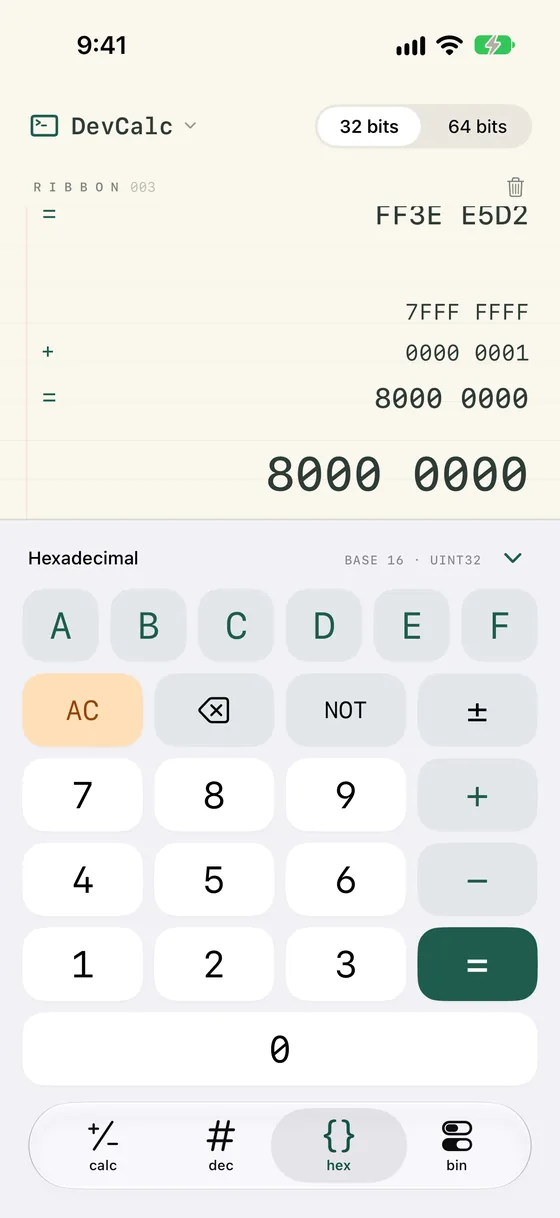
In dec, hex and bin, DevCalc works on unsigned integers, exactly like the machine you are writing code for.
- 32-bit or 64-bit words in hex and bin; dec always works in 64 bits.
- NOT flips every bit of the word, and ± gives the two's complement.
- Additions and subtractions wrap around past the top of the word, as they do in your code.
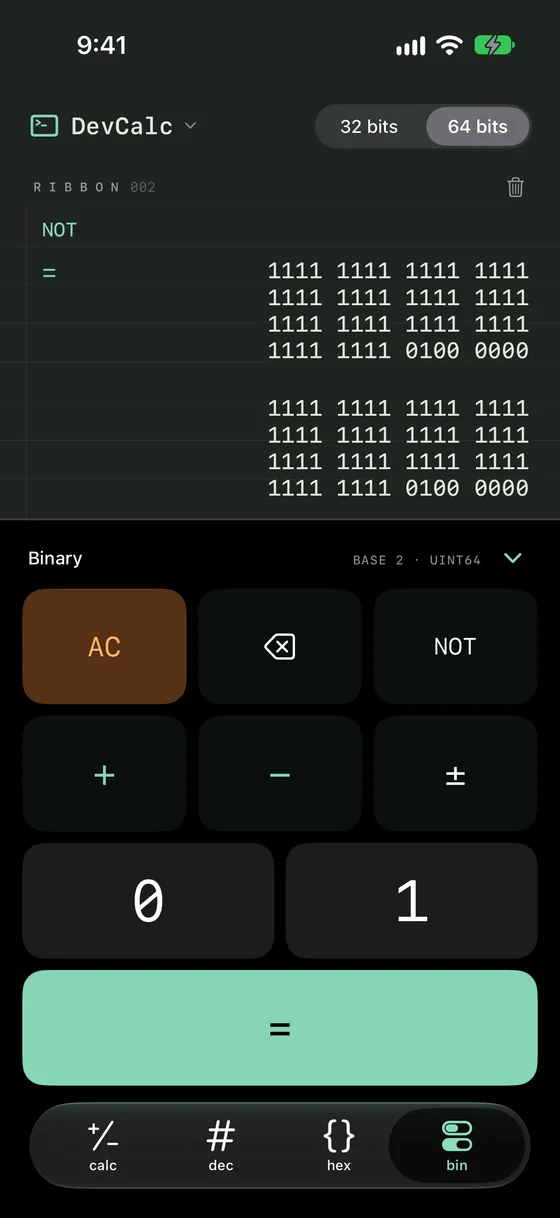
- Hexadecimal and binary are padded with zeros in groups of four. A 64-bit binary value fills four readable lines.
A paper ribbon that remembers
Every operation is printed on the ribbon with its result, like a printing calculator. Nothing is lost when you switch base, close the app or rotate the device.
- Scroll back through your calculations at any time.
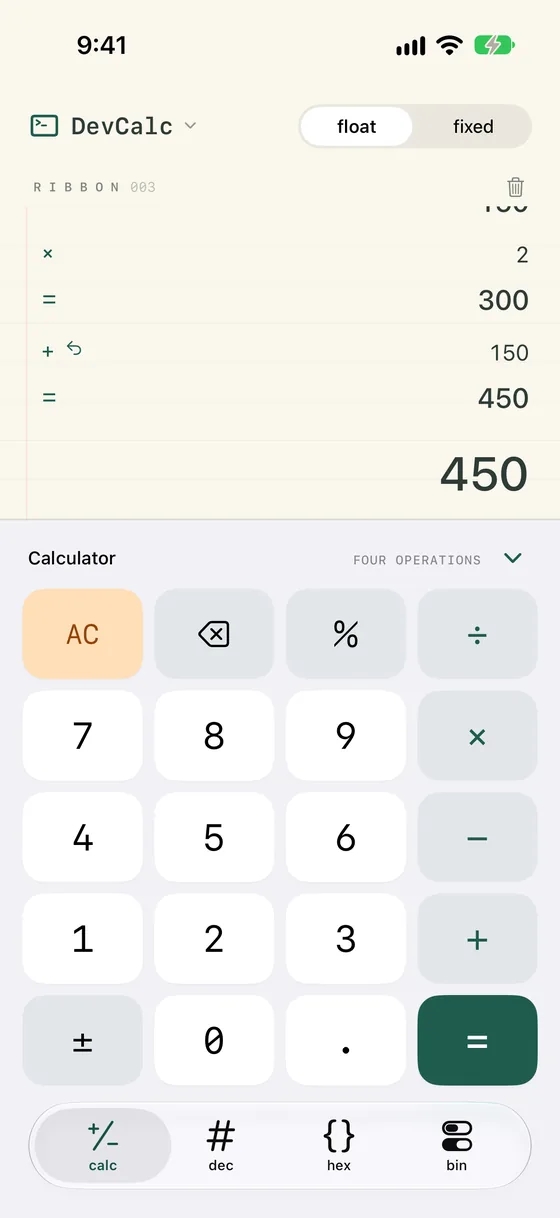
- Tap any value on the ribbon, a result or an operand, to bring it back into the calculation. A pending operation is completed with it.
- Long-press a result to copy it, or share the whole ribbon as text to Mail, Messages or Files.
- An automatic AC can start a fresh calculation after a period you choose, from 5 minutes to 24 hours, or never.
Made for iPhone Duo
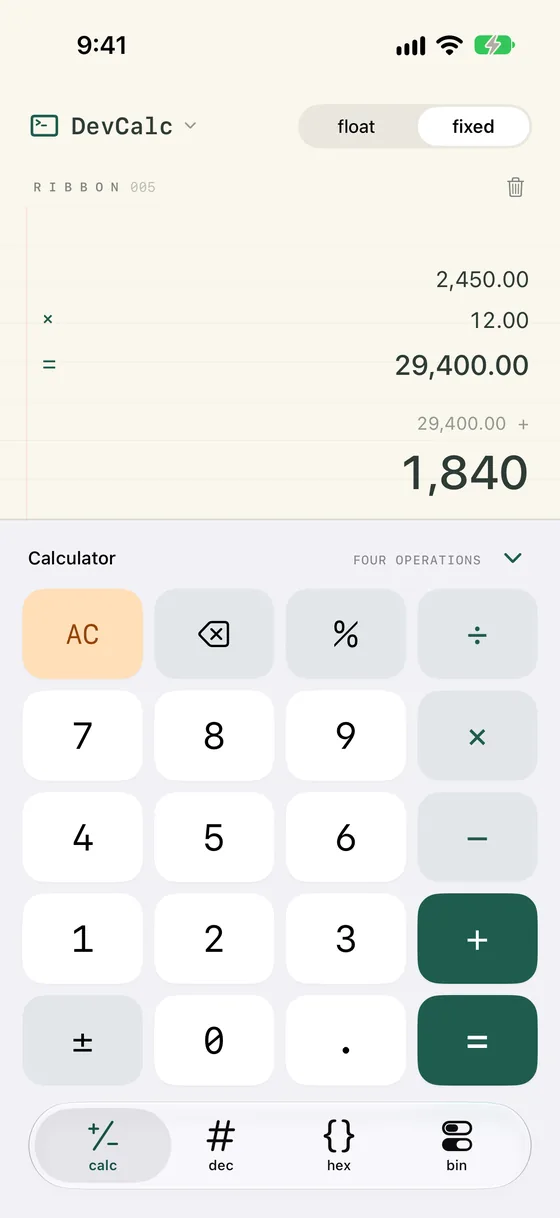
DevCalc is built with the iOS 27.1 SDK and follows every posture of iPhone Duo. Your entry, your ribbon and any open sheet carry over each time you fold, unfold or rotate it.
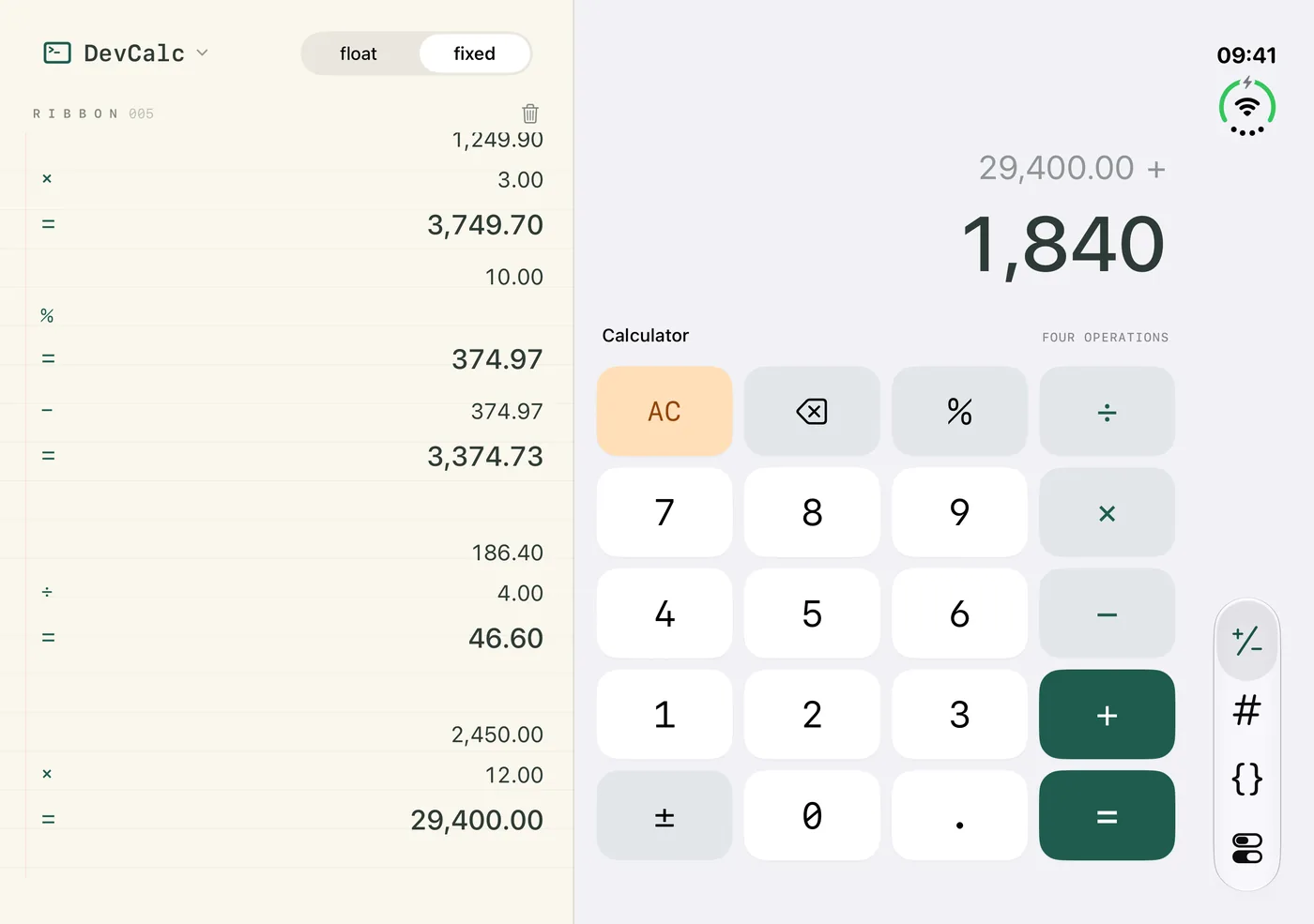
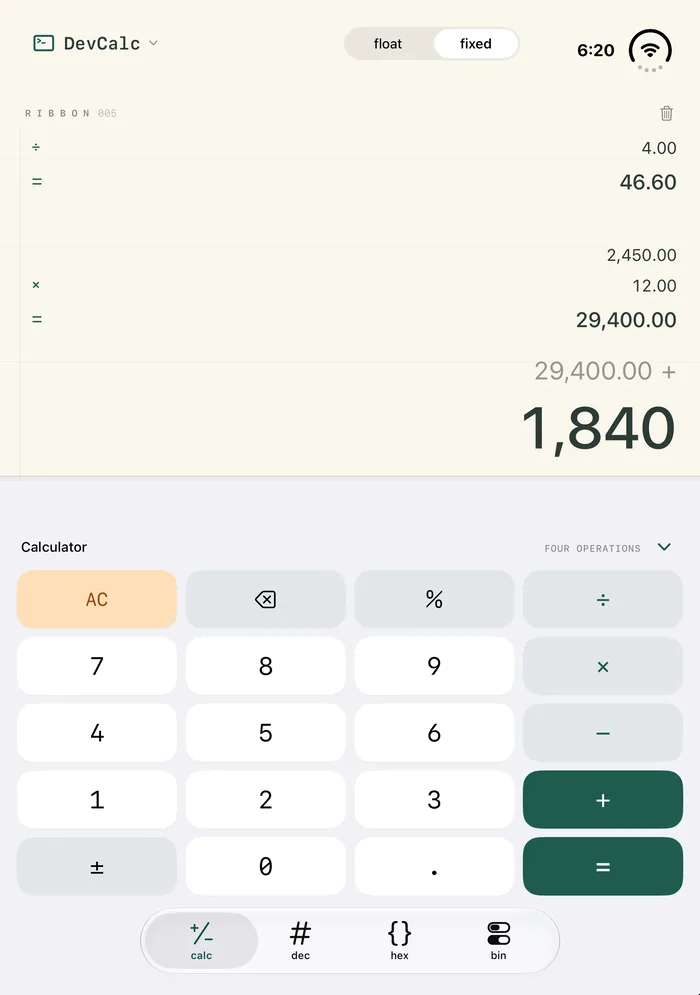
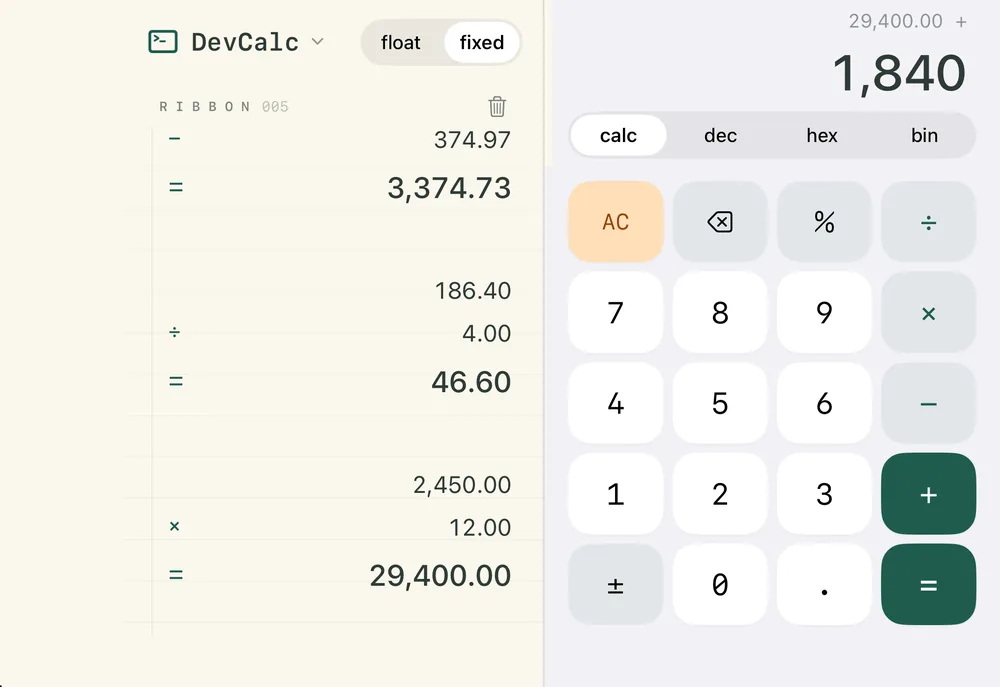
Screenshots taken on the iPhone Duo simulator, iOS 27.1.
iPad, landscape and hardware keyboard
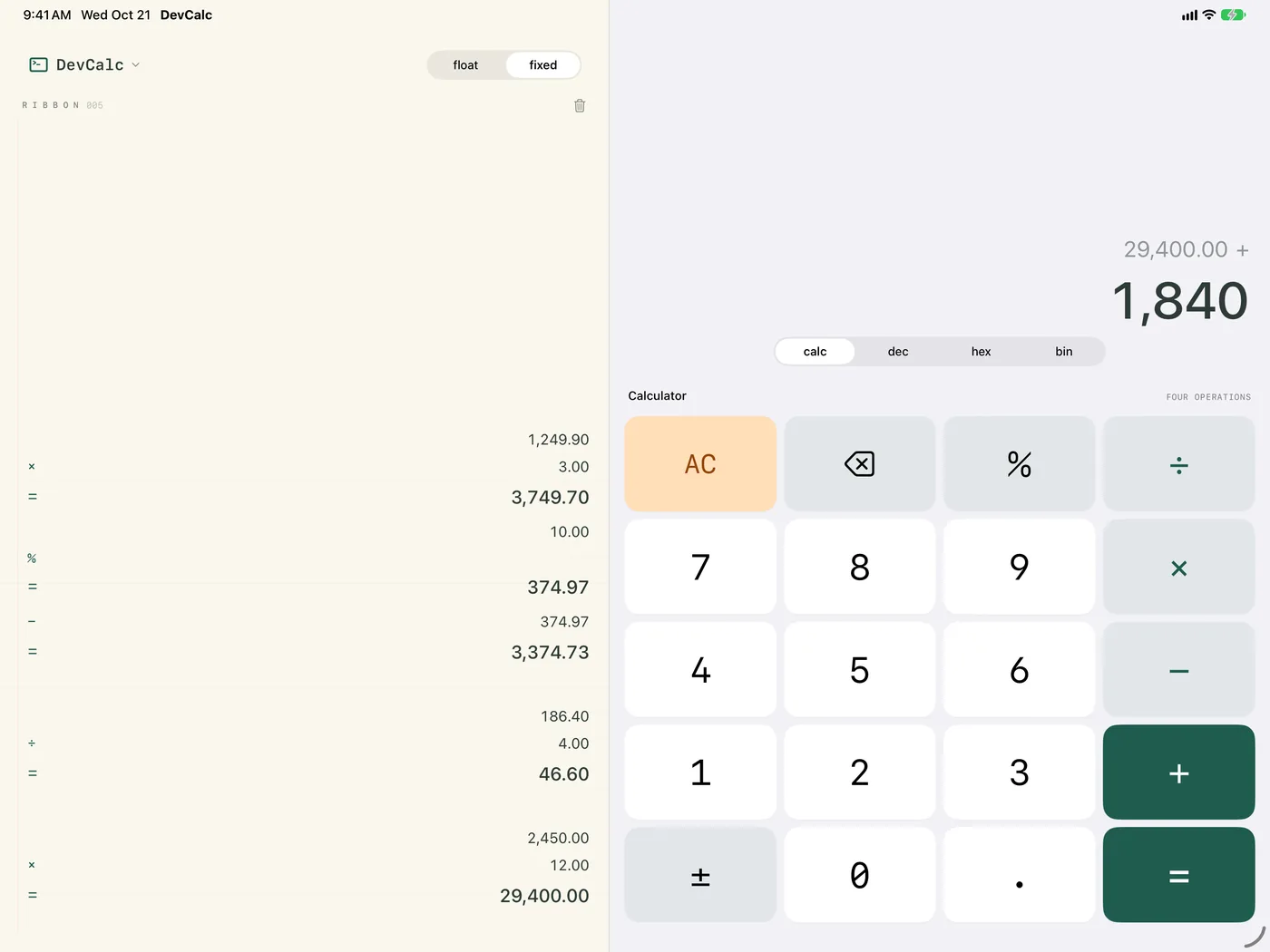
On iPad, and on iPhone turned sideways, the ribbon takes the left column while the entry, the mode selector and the keypad share the right one. Plug in a keyboard and type directly:
| 0 to 9, A to F | digits of the active base |
| + − * / % | operations (× and ÷ in calc) |
| Return or = | equals |
| Delete | erase the last digit |
| Esc | AC |
| ~ | NOT |
| ⌘1 to ⌘4 | calc, dec, hex, bin |
Display and settings
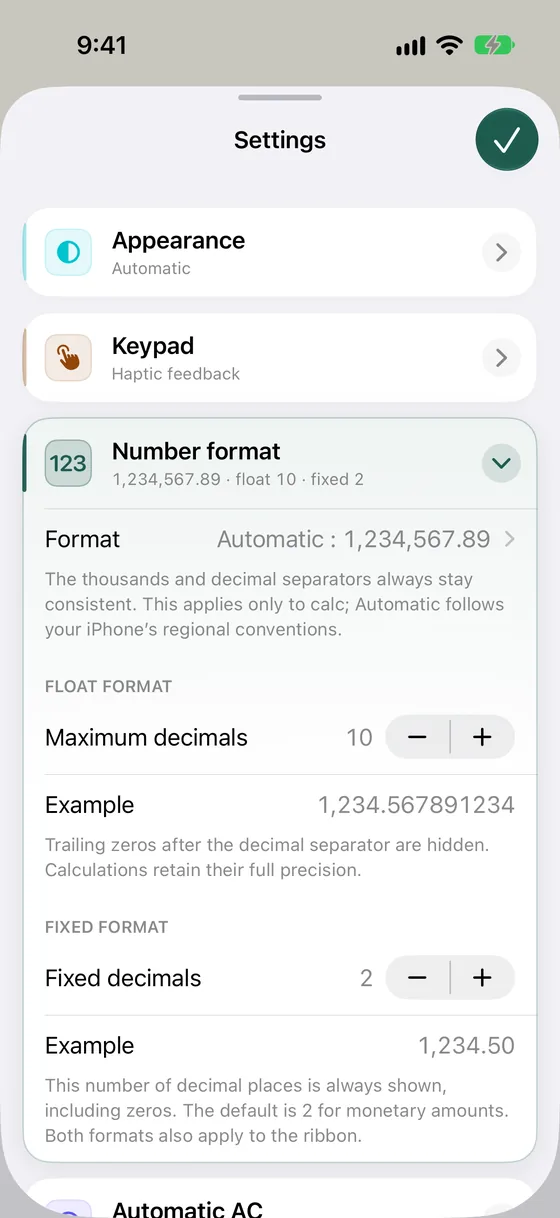
- Floating decimals, up to 10 by default with trailing zeros hidden, or a fixed number of decimals, which suits amounts of money. Each precision is set from 0 to 12.
- The number format of your region, or the pairing of separators you prefer: space, point, comma or apostrophe.
- Light, dark or system appearance, with optional haptic feedback and key clicks.
- Simple-calculator percentages: 200 + 10 % = gives 220, and 200 × 10 % = gives 20.
Nothing leaves your device
DevCalc sends no information over the internet. No account, no ads, no tracking: your calculations stay on your device.